Controls
Button Labels
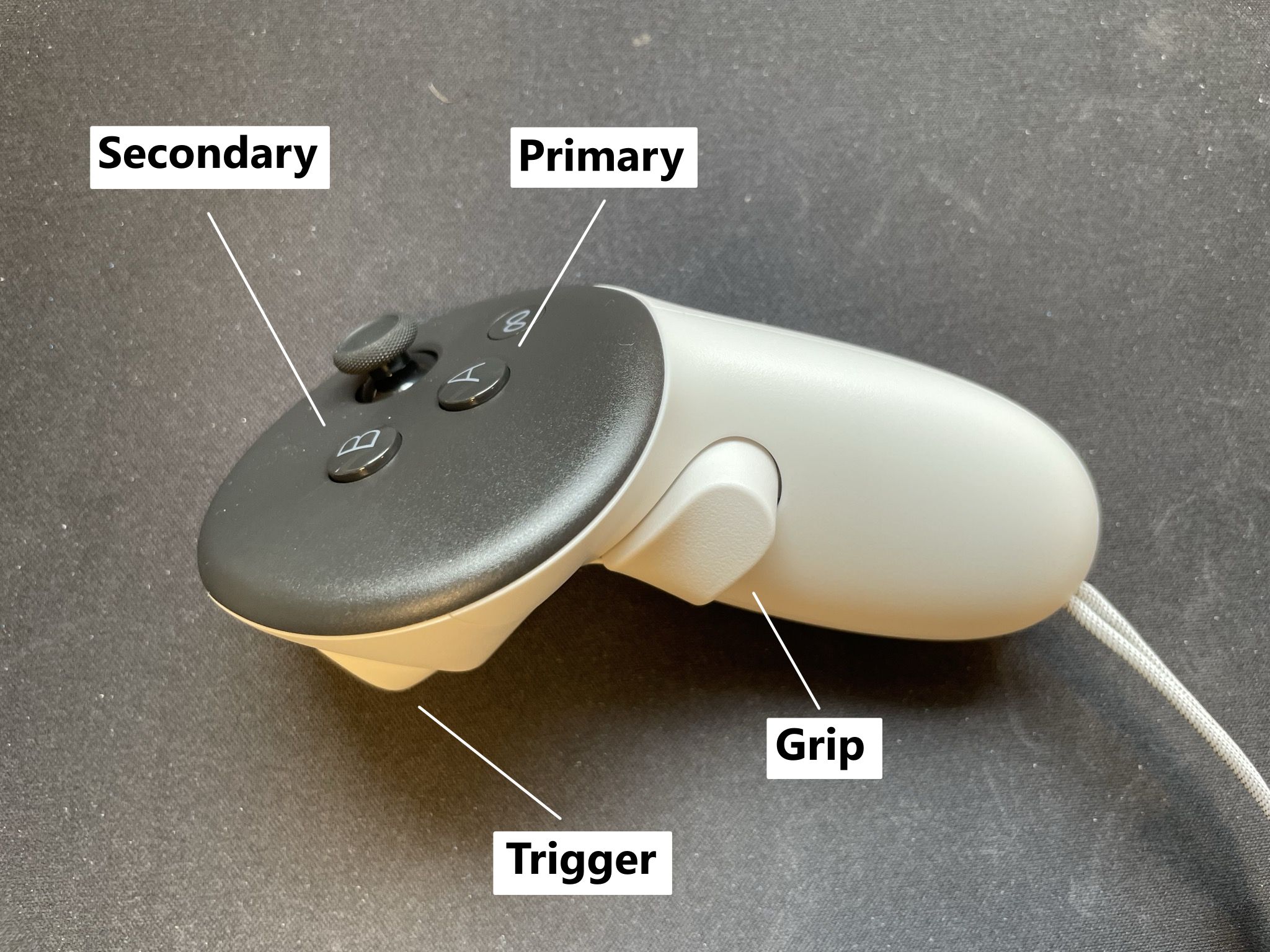
Teleoperation controls
The control bindings of the teleoperation are as follows:
- Both left and right controllers output velocity data at 50Hz that can be used to control up to two robotic arms.
- Both left and right controllers output the trigger value as a float between [0,1] (e.g. for gripper usage)
- Pressing the primary + secondary button will calibrate the controller so that the current pose is considered aligned with the robot base frame.
- In order to engage control, activate the grip button.
- In order to allow for movement, furthermore press the primary button
Warning
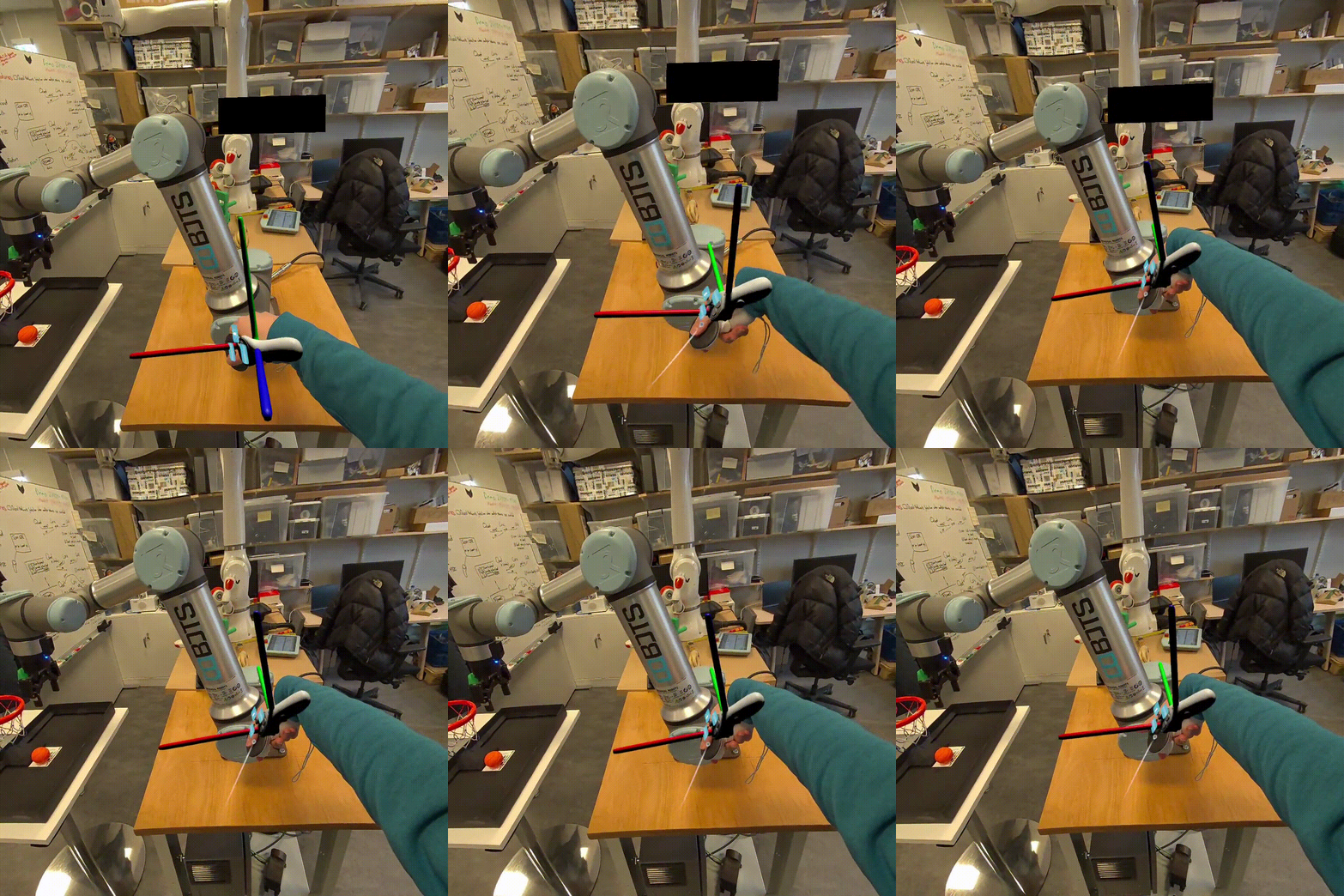
Make sure to calibrate the controller to the robot base frame before engaging control!
Other controls
Non-robot controls:
- Y + right trigger will start/save a demonstration
- B + right trigger will discard a demonstration