Setup your workspace
A workspace is a location on disk where datasets and policies will be stored, as well as various settings. It is suggested to create separate workspaces for physical robot setups, or for different research projects.
To create a workspace, go to settings, enter the desired workspace path and click Set Workspace. This will automatically create the proper files to initialise a workspace.
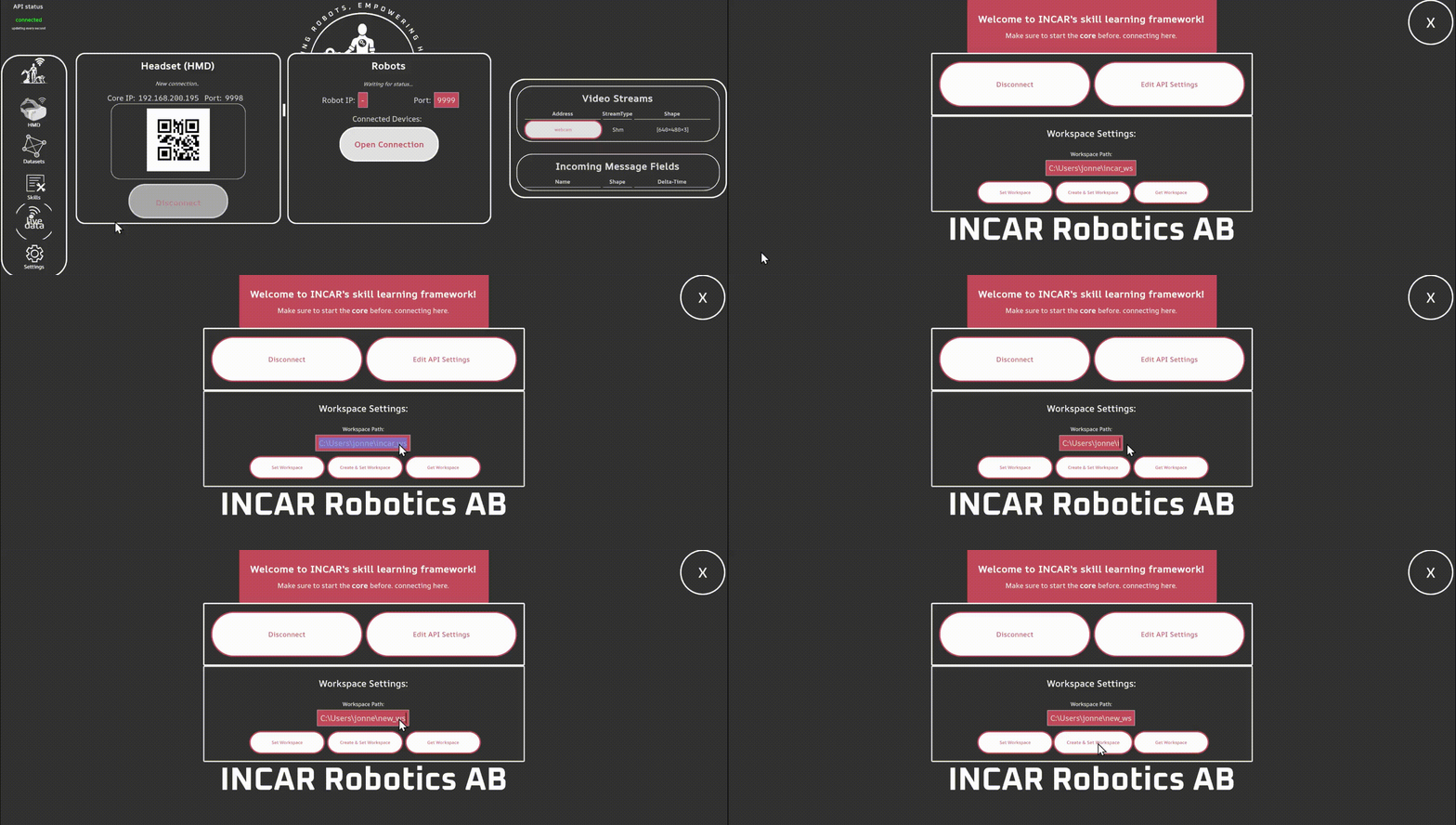
To change workspace, go to settings, enter the desired workspace path and click Set Workspace.
Workspace Config
The workspace config contains settings for connecting cameras to the system, as well as settings for command processing steps such as limiting, gains, or joint mapping for hand control. For now, you don't have to worry about it - it contains a good set of defaults.
Next step: Teleoperate your robot